Support & Help
Have a question or running into an issue with Data Center Fan? Start with the common questions below. If you still need help, contact us and we will get back to you.
Know where recovery lives.
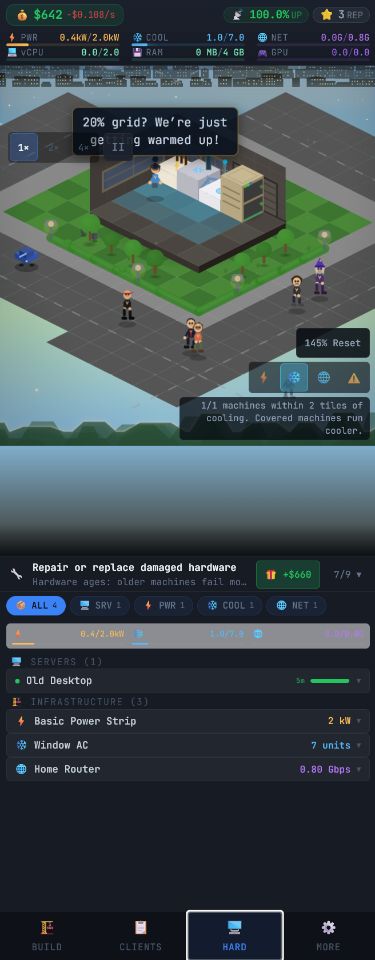
Pause, settings and the hardware inventory are available inside the current game interface.
Common questions
- My progress disappeared — Data Center Fan saves to your device by default. Progress can be lost if you clear browser data, play in a different browser, or use private/incognito mode. Create a free account to sync your save across devices and protect it.
- How do I move my save to another device? — Create an account while signed in on the device that has your progress, then log in with the same account on the other device. You can also export a save file from the More menu.
- The game will not load — Refresh the page, make sure your browser is up to date, and check that JavaScript is enabled. If you installed the app, reopening it usually clears a stuck load.
- Audio issues — Music and sound effects can be toggled in the game settings. On some mobile browsers, audio starts only after your first tap.
Your account and data
- Playing without an account keeps everything on your device — no sign-up required.
- A free account syncs your progress and lets you recover it if you switch devices.
- You can export your save data at any time from the More menu.
- You can delete your account and all associated data whenever you want.
Contact us
For help, bug reports, feedback or privacy questions, email privacy@datacenter.fan. To delete your account and data, see the account deletion page.
Quick links
Frequently asked questions
Is Data Center Fan free?
Yes. Data Center Fan is free to play in any modern web browser, with no download or account required to start.
How do I delete my account and data?
Visit the account deletion page at /delete-account for step-by-step instructions, or email privacy@datacenter.fan and we will remove your account and associated data.